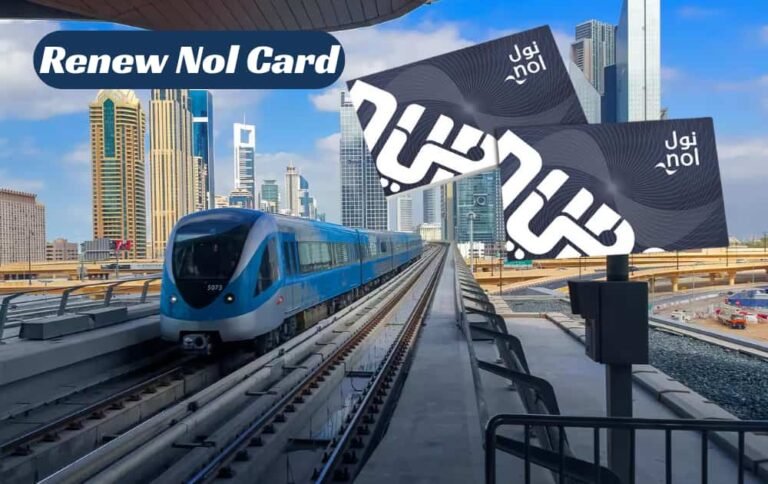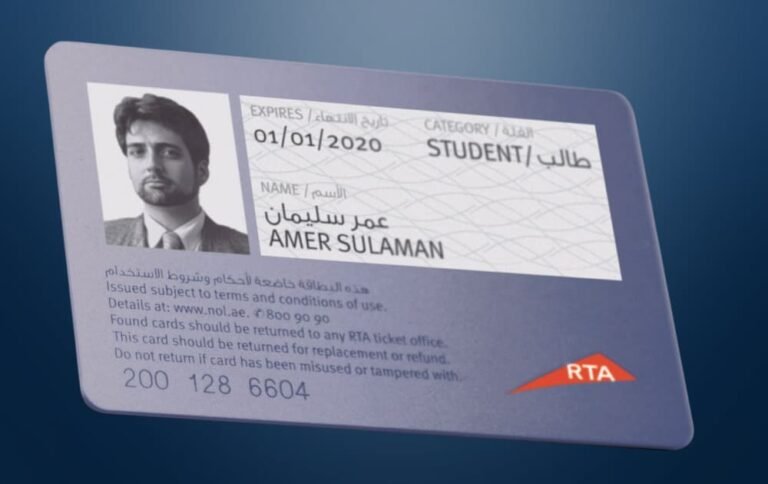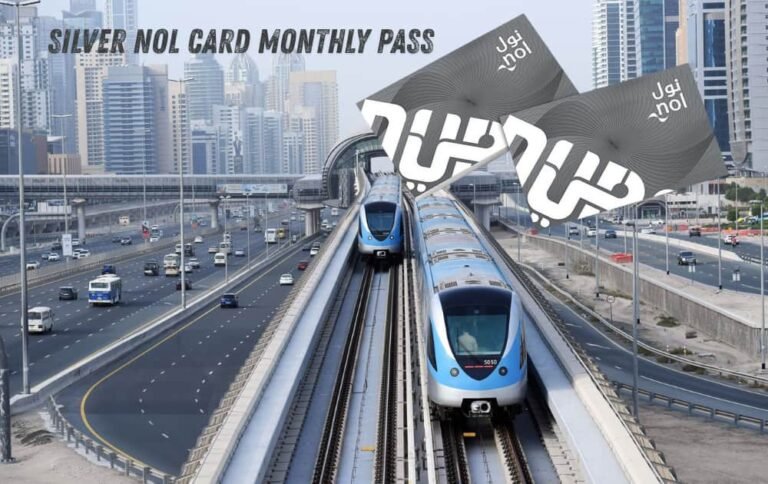
Tap your Nol card and get your points while riding.
What Is NOL Plus and Why Register It?
NOL Plus is RTA Dubai’s official loyalty program. With every Nol card payment made on public transport, parking, and several stores, rewards points are earned.
In simple terms:
- You tap your Nol card like you usually do.
- Points get accumulated to your NOL Plus account.
- Points can be redeemed to recharge your Nol card or for discounts with partner organizations.
This article is your practical guide on How to Register NOL Plus.
Prior to NOL Plus: Ensure Your Nol Card is Ready
Two things are needed before starting.
- An RTA online account.
- A Nol card that is linked to that account.
RTA Account Setup
- Visit the official RTA website.
- Select login/register.
- Select “Register as an individual.
- To begin, fill in your name, email, number, and create a password.
- Check your email and/or your texts and confirm.
This account is your access point to Nol services and other RTA offerings.
How to Register Nol Card / How to Register Nol Card Online
Now link your Nol card to this RTA account. This is how to register a Nol card online.
- While logged in to your RTA account go to the Nol section (Nol Home).
- Find “Manage Nol Card”, “Register card”, or “Apply for a Personal Nol Card”.
- Provide the 10-digit Nol tag ID number which is found on the back of your card.
- Add your name, Emirates ID number (if applicable), and contact information.
- Click save.
This will associate your Silver Card/Gold/Personal card in your name. RTA themselves state the importance of registering Silver and Gold Nol card online to protect your balance in case the card gets lost.
You can use these steps as your basic instructions for how to use Nol services. If you are compiling a checklist for staff or an SOP, you can use these as nol worksheet instructions.
Before starting your metro ride, make sure to Check NOL Card Balance so you don’t face any travel delays.
Step-by-step: Register NOL Plus on the website
Now continues on to the main topic: How to Register NOL Plus? This is a Step by Step Guide. There are three big steps to accessing NOL Plus:
- Log in to your account with RTA.
- Link your Nol card to your account (if you haven’t done this already).
- Enroll in NOL Plus.
Step 1 – Go to NOL Plus site or RTA
You have two main entry points:
- Go through the RTA website
- Go directly to the NOL Plus site
- On either site: log in with your RTA username and password or your UAE Pass.
Step 2 – Open the NOL Plus Registration Page
Look for the “Register” or “Sign Up” button in the NOL Plus section.
Different sources confirm this same basic flow: log in and click the NOL Plus registration tab or banner.
You will see a very simple form that will usually ask for:
- Name
- Mobile Number
- Nationality
Some fields may already be filled from your profile that you have with RTA.
Step 3 – Link your Nol card to NOL Plus.
If your card is already associated with your RTA account, it should show up automatically. If not, you will be asked to enter your Nol tag ID which is 10 digits long.
Important points from other guides:
- You can link multiple Nol cards (at least 4) to a single NOL Plus account.
- At least one card must also be active and in use.
Step 4 – Confirm your contact information
NOL will typically send a one-time password (OTP) to your phone or to your email. Type the OTP on the website and click on verify. This process is for the protection of your account points.
Step 5 – Accept and start earning points
Now that you have agreed to the terms and conditions and have submitted them your account is officially active on the NOL Plus program.
This means you will be earning points on every AED you utilize on public transport and at certain partner stores (different points per tier of card, personalized sticker cards have different earning potential). Points can be redeemed to add funds to your Nol card, or to use at partner stores to get a discount.
To understand how the Red, Green, and Branch lines connect, refer to the updated Dubai Metro Map.
Registering for NOL Plus at the RTA Dubai / Nol Pay app
NOL Plus is also accessible through RTA’s mobile app, even if users have their own favorite app for finances and loyalty points. Users should note that app layouts can change.
- Install RTA Dubai or Nol Pay app from your phone’s app store.
- Log in with an RTA account or UAE Pass.
- Check if your Nol card is already visible in the app. If not, add it.
- Look for a button in the app that says “NOL Plus,” “Loyalty,” or something similar.
- Tap Register and confirm your details and consent for the program.
- Confirm your email and phone number through OTP, if popped up.
The precise buttons might change with different versions, but screen text should always be considered the final answer.
How to verify the registration of the Nol card and the NOL Plus status
You can verify the Nol card registration as well as your NOL Plus status.
How to verify the Nol card registration
To find out how to verify the NOL card registration, do the following:
- Access your RTA or Nol Pay account.
- Then, go to My Nol cards or Nol services.
- If the card displays your name and phone number, and possibly your Emirates ID, it is registered.
- However, if it appears as unknown or just a serial number, it is likely that the card has not been registered yet.
Verifying NOL Plus Registration
To check if NOL Plus is activated:
- Go to nolplus official site or the corresponding area on the RTA site.
- Look for a dashboard that shows your points and the cards linked.
- If points are shown (even if it is zero) and your card is shown to be ‘active’, your NOL Plus registration is complete.
How to Access and Use NOL Plus Offers
Browse Available Offers
To see the balance and the rewards or offers provided by NOL, you have to log in to the NOL Plus website or app to browse the following:
- Available offers
- Your points balance
- Discount categories
- Transport-related rewards
Redeem Your Offers
- Choose an offer you want to redeem.
- Look at how many points you need to spend.
- Redeem the offer.
Generally, you should get a discount code, a digital voucher, or you can just show your Nol card at the outlet.
Enjoy Your Benefits
At numerous shops and services, and for transport, and at many supermarkets and restaurants, enjoy your redeemed rewards. You will keep earning points as you keep using your card.
Stay Updated
Keep an eye on your account for:
- Points that are about to expire
- New offers
- Special limited-time promotions
- Updates from partners
How to Earn Points on NOL Plus
When you complete the NOL Plus sign up, you can start earning points in several different ways.
- Utilizing Public Transport: You can use the metro, the tram, and buses. Dubai taxis are included too!
- For Parking Payments: Use your Nol card to pay the fee for parking through RTA, you will earn points as well!
- At Supermarkets: On your Nol card, if you pay at partnered restaurants, supermarkets, or pharmacies, you will start to earn points!
- Online Top-Ups: You earn special bonus points for online Nol card recharges as well.
How to Check NOL Plus Points Balance
- Head to the official NOL Plus website.
- Aggregate your information from your NOL account to log in to the website.
Your Current Points Balance
- Visit the NOL Plus official site.
- Log in using your details.
- Go to My Points.
- Your total points balance will show on the screen.
- Points will show in 9 days.
- Points are valid for 12 months.
How to Redeem NOL Plus Points
- Log in to your NOL Plus account.
- Go to Redeem Rewards.
- Select a reward of your choice (discounts, rides, cashback, etc.).
- Press the Redeem button to continue. Minimum 500 points (5 AED) is required.
- Any redeemed value will be added to your Nol card automatically.
NOL Plus Terms and Conditions
- Points are credited straight to your NOL Plus wallet.
- Points show 9 days after you earned them.
- Your points will still be there if the card expires.
- You can link up to 4 cards.
- Points redeemed are no longer available.
- Personal cards earn 2 points for every AED 1 spent.
- Standard cards earn a single point for every AED 1 spent.
- Your points are valid for 12 months.
- If you unlink an anonymous card, all points earned from that card will be lost.
- Link only your own cards. Linking someone else’s card can lead to penalties.
- Points earned do expire 12 months after they are earned.
NOL Plus Benefits
- NOL Plus Benefits lets you earn points for each ride you take and for other transactions that you do with NOL.
- You can use your points for shopping and for meals at a variety of restaurants.
- You can also redeem your points for various types of travel.
- With NOL Plus you can also take advantage of special deals and your account can be managed online or through the app.
- NOL Plus also helps you save money on transport, which can be a big daily expense.
If you’re a student looking for discounted travel across Dubai, the Student NOL Card is the best option to save money on daily commutes.
Restaurants, Hospitals, Pharmacies & Supermarkets Accepting Nol Payments
Restaurants
800 Degree Pizza, Burger King, Eat & Drink, Paavo’s Pizza, London Dairy, Carter’s, Gloria Jean’s Coffees, Mister Baker
Hospitals
MedCare Hospitals
Pharmacies
Aster, Medicina, Medcom
Supermarkets
Al Maya, Carrefour, Aswaaq, Lulu Hypermarket
Common Issues and Quick Fixes
Issue 1. My card does not link.
- Please check and confirm you entered the 10-digit tag ID as you are supposed to.
- Also check that the card is valid and not blocked.
- You may try accessing the app from the desktop version if you are experiencing some errors.
Issue 2: Points are Not Displaying
- Some transactions might take some time to post after you’ve travelled or shopped, but be patient, and they will show up.
- Make sure you are using the same Nol card that you registered.
- Also, make sure the transaction types are eligible. Some transactions come from specific partner shops.
Issue 3: People are Confused As to What to do with Multiple Nol Cards
- Be sure to add the tag ID from each card to NOL Plus.
- Make sure you are using the same account with the same RTA account, and all the points will accumulate in one RTA account.
For a more convenient way to pay for your Dubai Metro trips, you can also use the Virtual Nol Card on your smartphone.
Summary Checklist
Here is a quick summary checklist if you prefer a streamlined whom-to-do list.
- Start by making an RTA online account.
- Next, follow the steps on how to register a NOL card online, as I’ve outlined below, to link the card.
- Go to the NOL Plus site and select the Register option.
- Enter the required fields along with your 10-digit card number.
- Complete the verification via OTP.
- Then log in to confirm you can see your NOL Plus points dashboard.
- You can follow these as your own nol worksheet instructions for future NOL cards.
To choose the right travel card for your needs, you can explore the Types of Nol Cards and see which one fits your lifestyle.
Conclusion
It is not difficult to register for NOL Plus. You make an RTA account, register your Nol card, and enroll the card into the NOL Plus program. Even if you were to register NOL Plus to a new card, you’d be glad to know you can use the same steps and instructions.
Your rides remain the same, but now every tap is tracked, so you can see and redeem your rewards.